





Audio guide system for museums
Scan an artwork. Hear its story in a second.

The build, by the numbers
~3 mo
concept → product
6
components, one ecosystem
20+
languages of AI narration
28
app interface languages
Built with — full tech stack+

See it in action
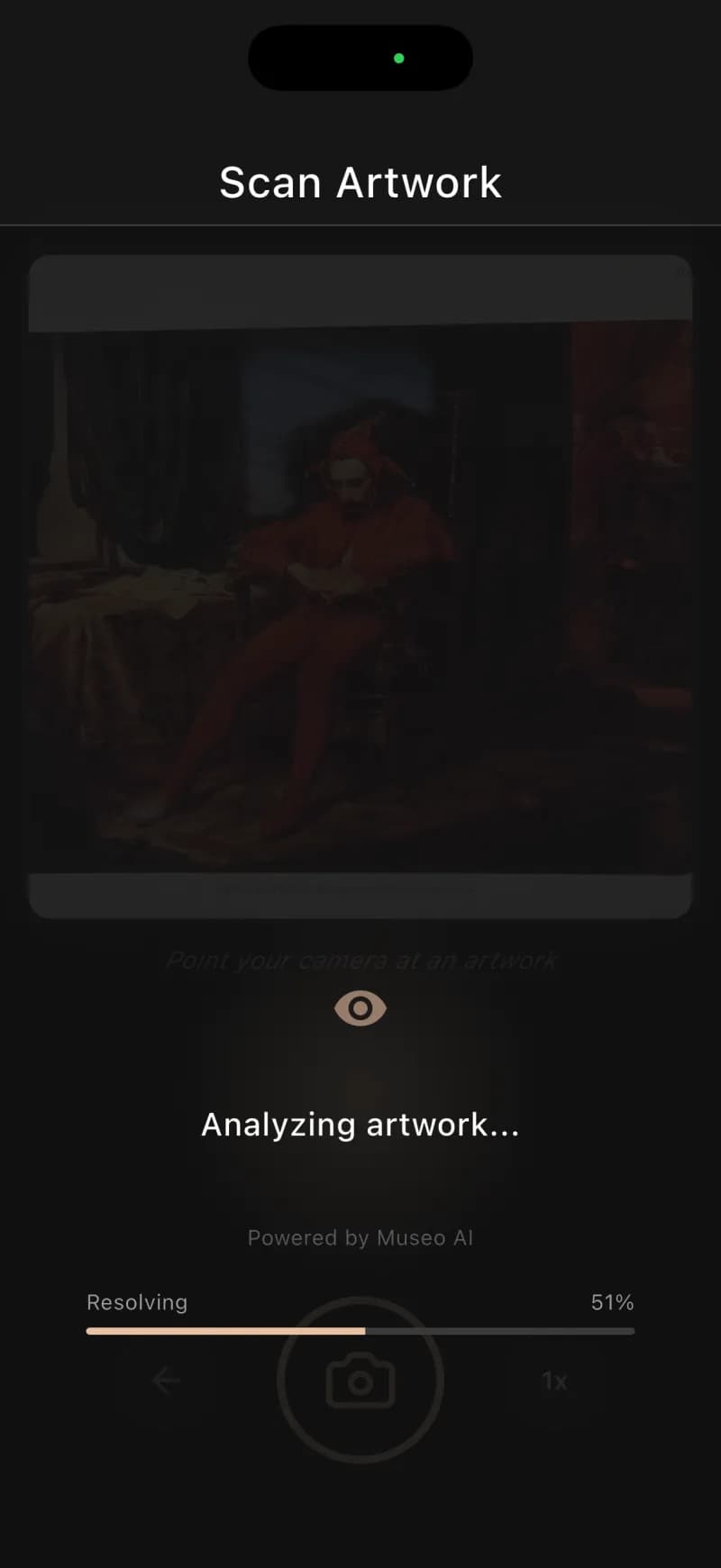
Point. Recognize. Listen.
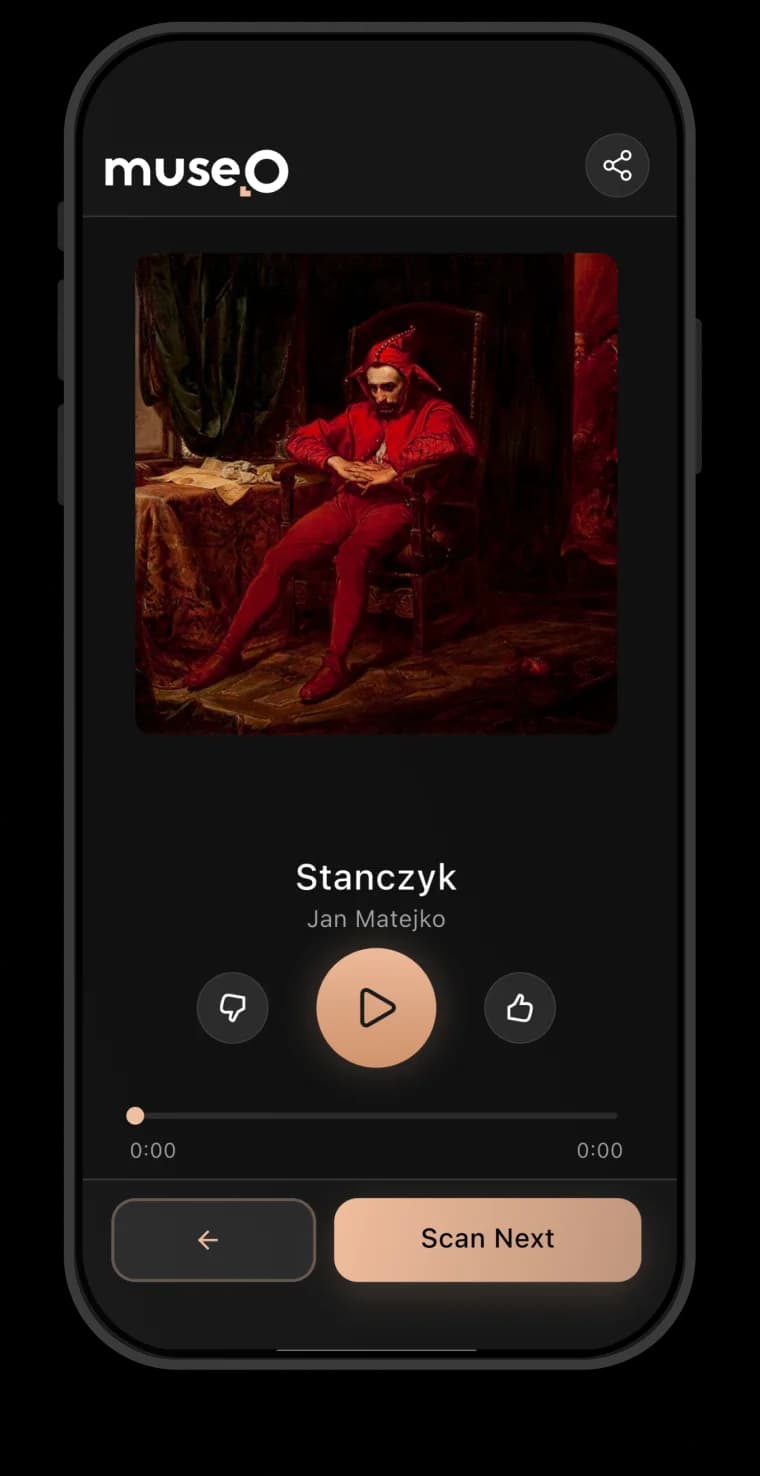
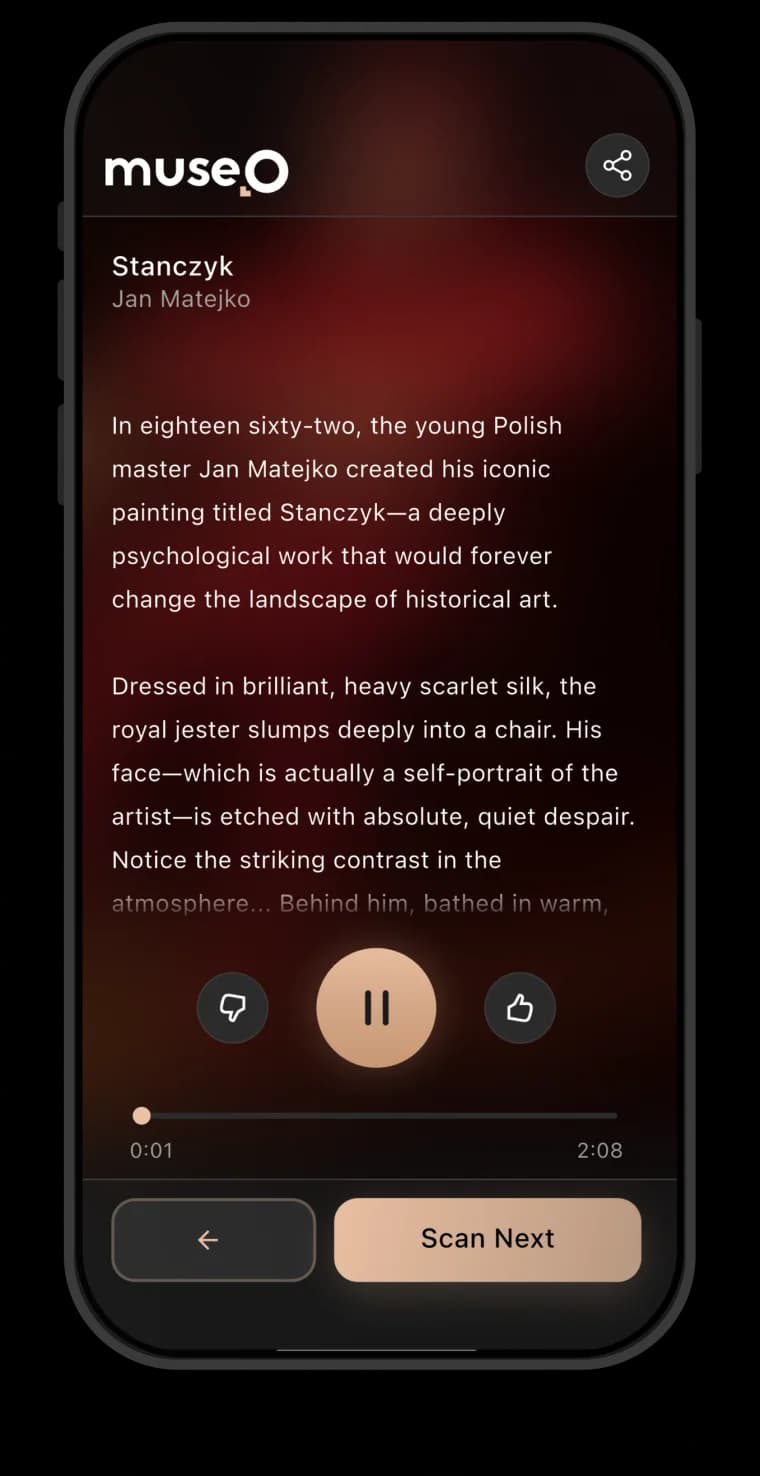
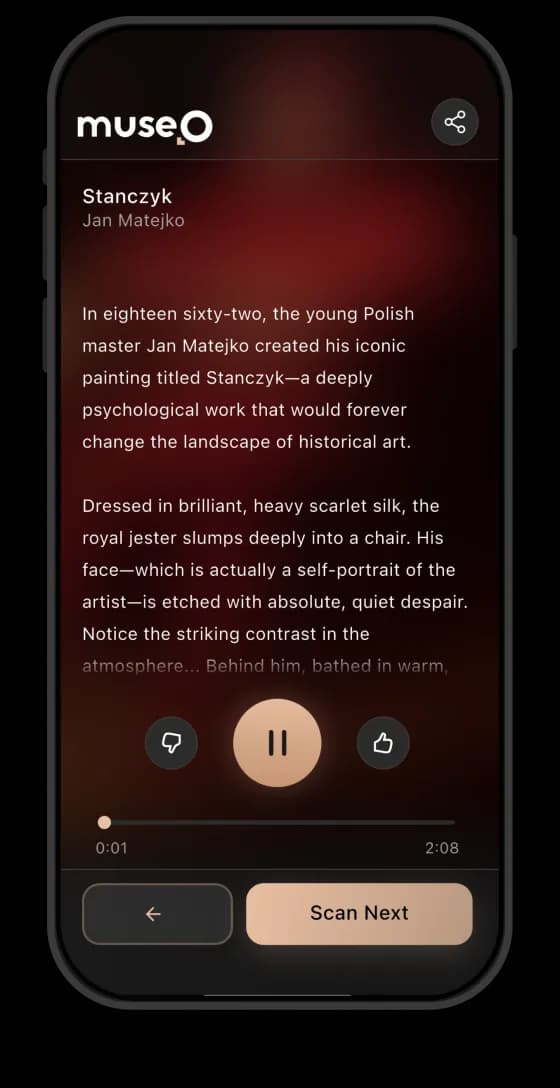
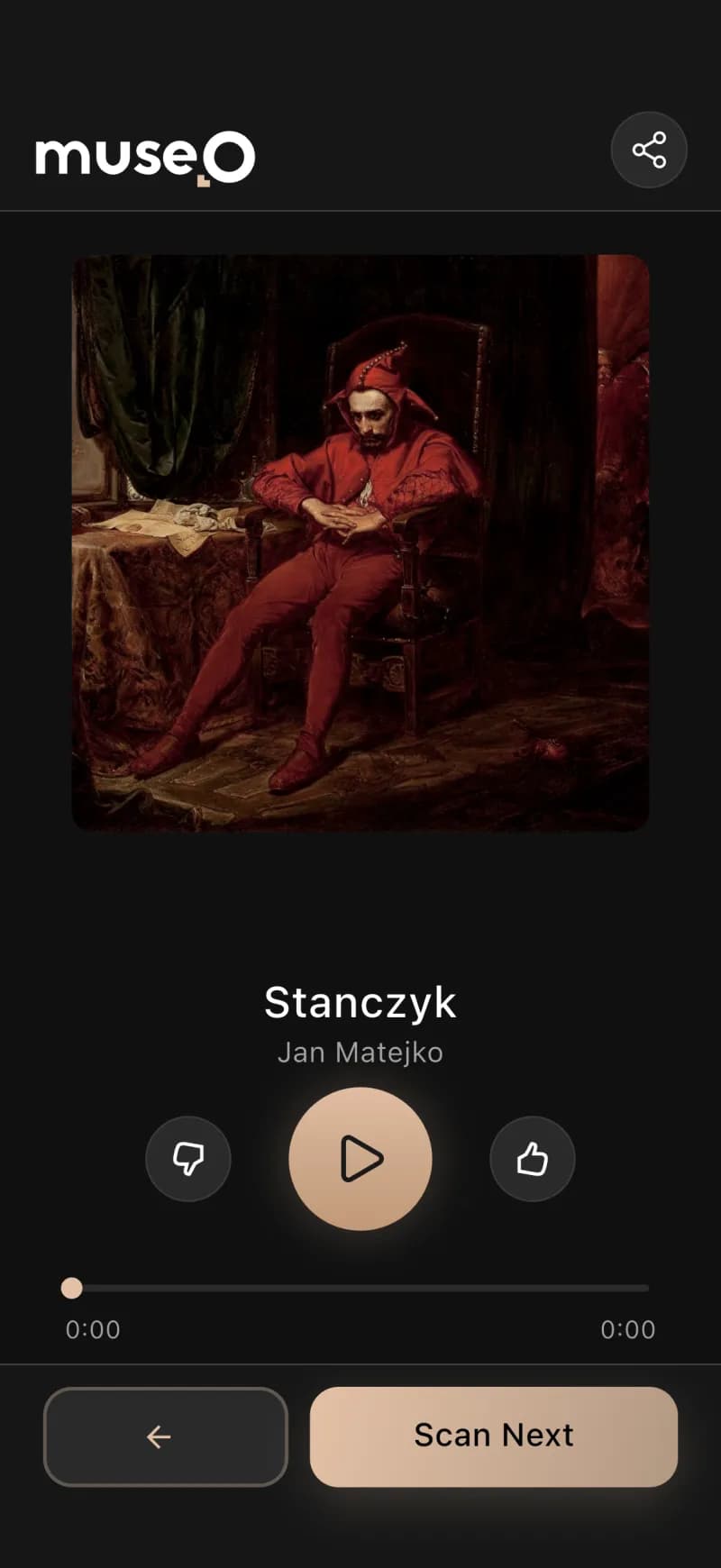
Jan Matejko · 1862 · National Museum, Warsaw
Read the AI narration+
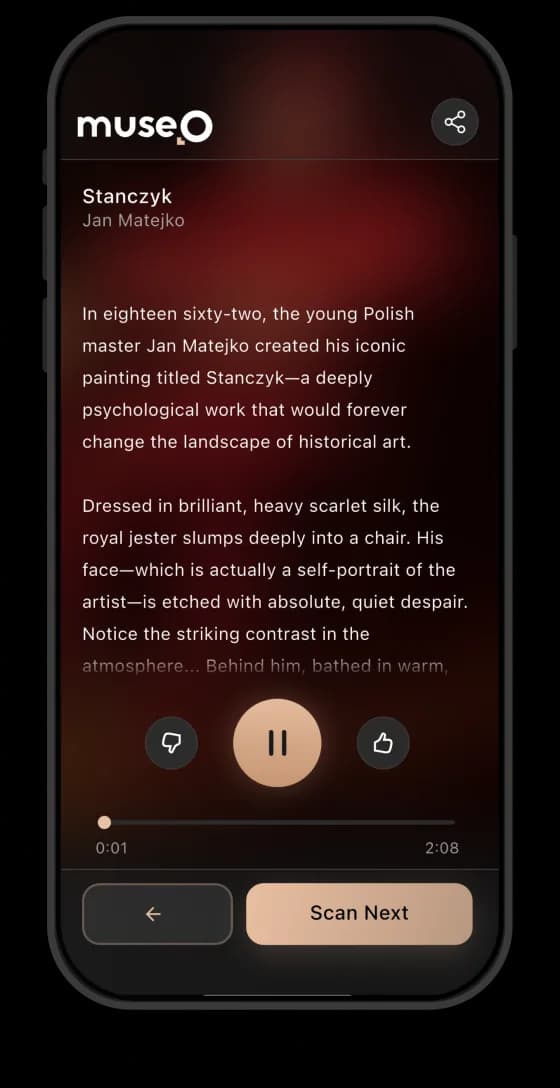
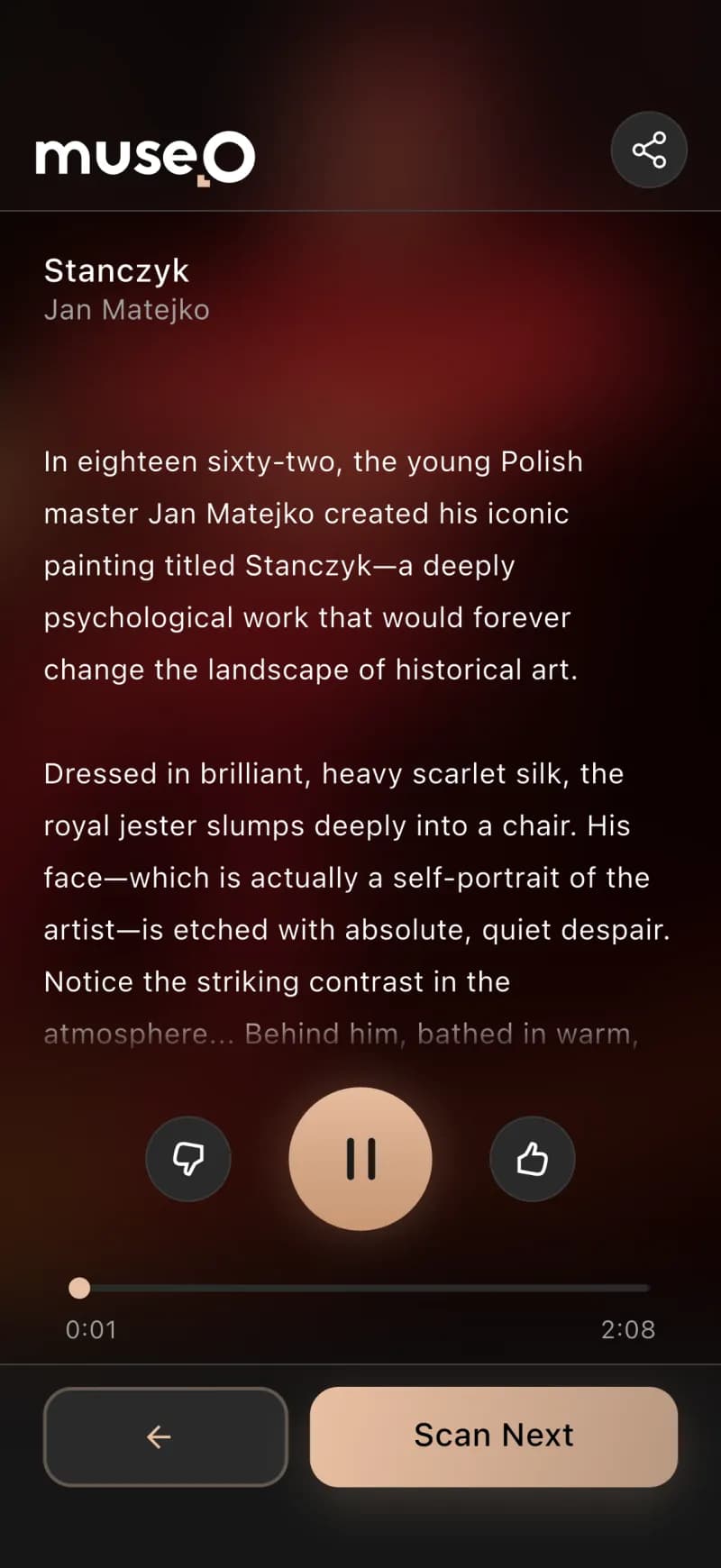
Before you stands "Stańczyk," a profound oil on canvas by Jan Matejko from eighteen sixty-two. This large history painting measures one hundred twenty centimeters by eighty-eight centimeters. It captures a moment of solemn contemplation. The painting depicts the historical court jester, Stańczyk, in a dark, secluded room. He slumps, lost in thought, his usually jovial role abandoned with his marotte on the floor. A holy medallion of the Black Madonna of Częstochowa rests on his chest. Through an open window, Krakow's Wawel Cathedral stands dark under a sky with a comet, a symbol of ill omen. In the background, a lively court ball unfolds, starkly contrasting Stańczyk's isolation. Matejko, only twenty-four when he painted this, used his own face for the jester, adding a deeply personal touch. The painting symbolizes Poland's dire political situation in the nineteenth century. Stańczyk's despair reflects the nation's hopelessness under foreign partitions. The letter on the table is key; it announces the loss of Smolensk to Russia in fifteen fourteen. Matejko included an anachronistic date of fifteen thirty-three on the letter, sparking scholarly debate. This piece is a flagship work for the National Museum in Warsaw, surviving Nazi looting and Soviet occupation. This iconic image presents Stańczyk as the conscience of a nation, foreseeing doom while others celebrate.

Stańczyk
Jan Matejko
Get the app


The museum problem, and how we solved it
Going digital meant cost, months of work, no IT team, and zero visitor data — Codigee fixed it in ~3 months.
museo.orchestrate()6 services · 1 brain// one backend brain, six services, talking in real time
Recognition in ~100ms
Studio narration, no voice actors
Always-ready AI, no cold starts
One connected ecosystem
Concept to product in ~3 months
More information — how it works+
For most museums, going digital has always meant a brutal trade-off. Hardware audio guides are expensive to rent, service, and restock, and they ship in a handful of languages with no personalization. Actually digitizing a collection is worse: writing descriptions and recording voice-overs across every language a museum's visitors might speak is months of curator and voice-actor work that smaller institutions simply can't staff or fund. So foreign visitors stand in front of labels they can't read, and the museum walks away with no idea how anyone actually moved through the exhibition.
Codigee's insight was to knock out both bottlenecks at once: let AI do the production work that used to take months, and let each visitor's own phone be the guide instead of a rental device. A visitor snaps a photo of any artwork, computer vision recognizes it in roughly 100 milliseconds, and AI-generated narration plays in their language — no QR codes, no hardware, no per-language recording sessions. To prove the loop before scaling it, we shipped the Ambassador app first as the MVP: the tool a museum's own staff use to photograph works and trigger AI description and narration generation, validating the entire pipeline against real objects fast.
What we delivered is one connected ecosystem, not a single app. A Flutter visitor app (iOS and Android, UI in 28 languages) and the Ambassador app build from a single codebase as two flavors, while a self-service Next.js admin panel lets curators add a work, generate its description and narration in one click, translate, publish, and read analytics like scans, most-viewed works, and visit heatmaps. Underneath sits the brain: a Bun and Elysia backend on PostgreSQL with multi-tenant isolation per museum and Redis/BullMQ queues orchestrating the AI work. That brain feeds two custom GPU services we built from scratch — a fast artwork-recognition model we trained and tuned ourselves, and a triple-engine, Whisper-verified text-to-speech system — taking the platform from concept to a working product in about three months.
The visitor app: your phone is the guide
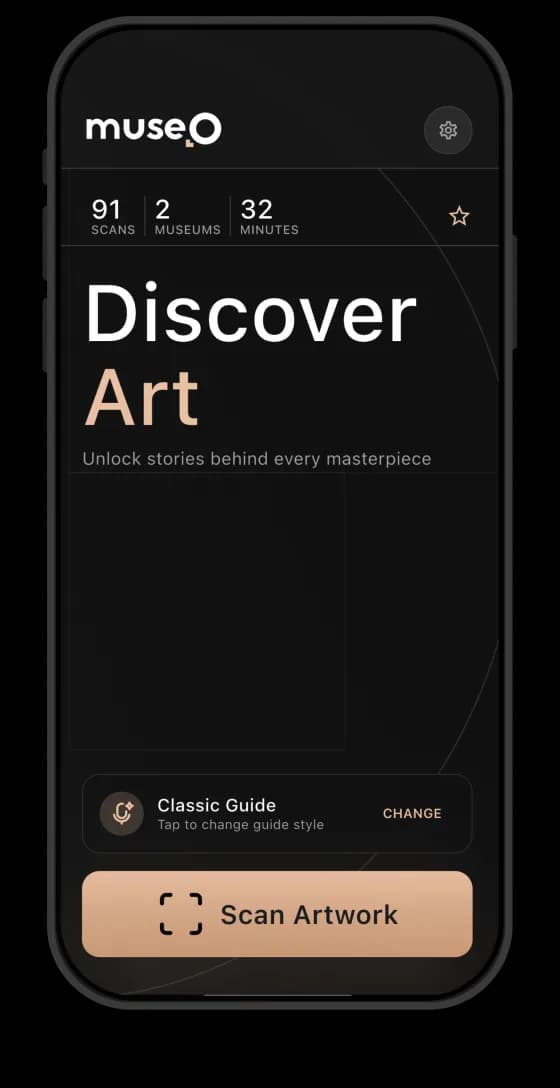
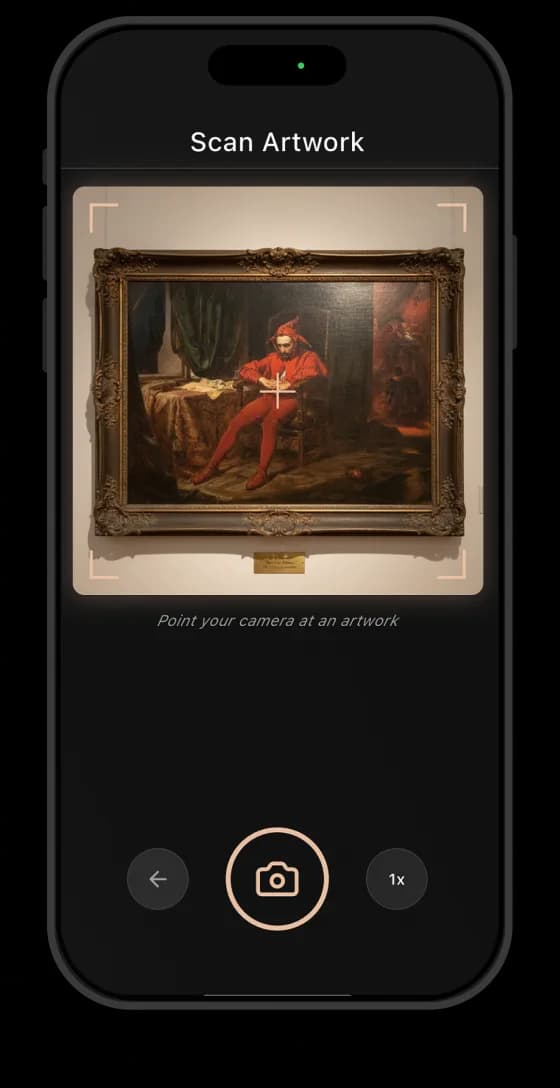
A visitor snaps a photo of any artwork and hears a personal narration in their own language — that is the entire interaction.
Scan, don't type
Narration in your language
Voices for everyone, incl. kids
No rental hardware
Login, premium, museums nearby
More information — how it works+
The experience is deliberately frictionless: point the camera at a painting, sculpture, or artifact and the app recognizes it. Behind that single tap, a recognition model we trained and tuned identifies the artwork against that museum's catalog in roughly 100 milliseconds — recognition that works at an angle, in changing gallery light, across thousands of objects, with no QR codes or numbered keypads. The narration that plays is AI-generated, studio-grade, and spoken in the visitor's language. For the museum, this quietly retires a whole category of cost: rental devices, charging racks, servicing, and the handful of languages those devices ever supported.
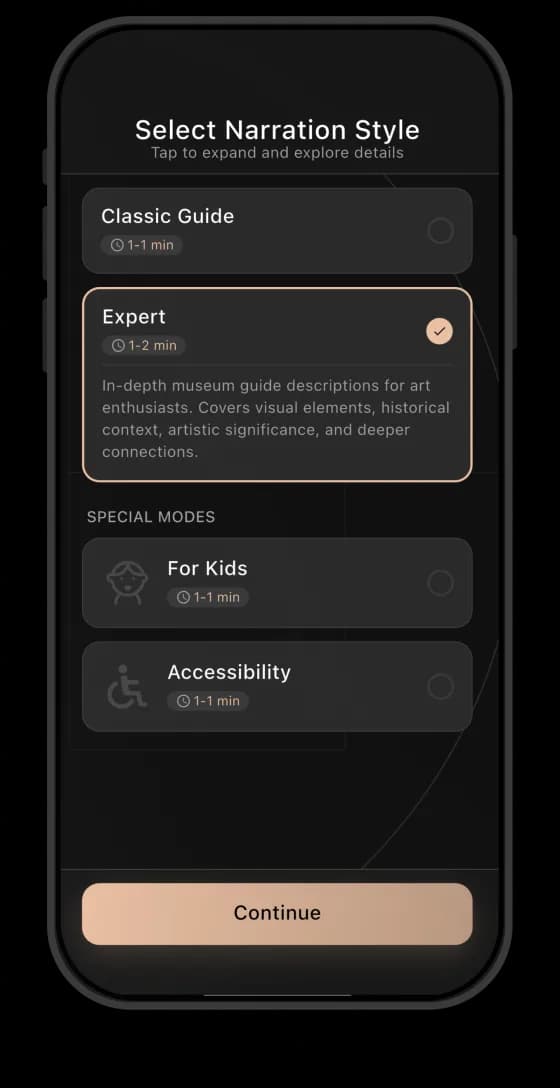
Language is the headline feature for foreign visitors who could never read the local labels. The app interface ships in 28 languages, narration is available in 20+, and visitors choose a voice profile that fits them — including a dedicated kids variant that reframes the same artwork for younger audiences. The whole app is built to WCAG 2.1 AA, so it works for visitors using screen readers, larger text, and assistive navigation.
Getting in is one tap — Google, Apple, or a one-time code — and from there the visitor can browse the full collection, not just the piece in front of them. A B2C subscription layer (free and premium tiers, plus promo codes) turns the guide into a product visitors carry between institutions, and PostGIS-backed geolocation surfaces "museums nearby" so the app keeps working the moment they walk out one door and into the next gallery. The result is a guide that travels with the visitor instead of being handed back at the exit.
For museums
How a museum creates its audio guide
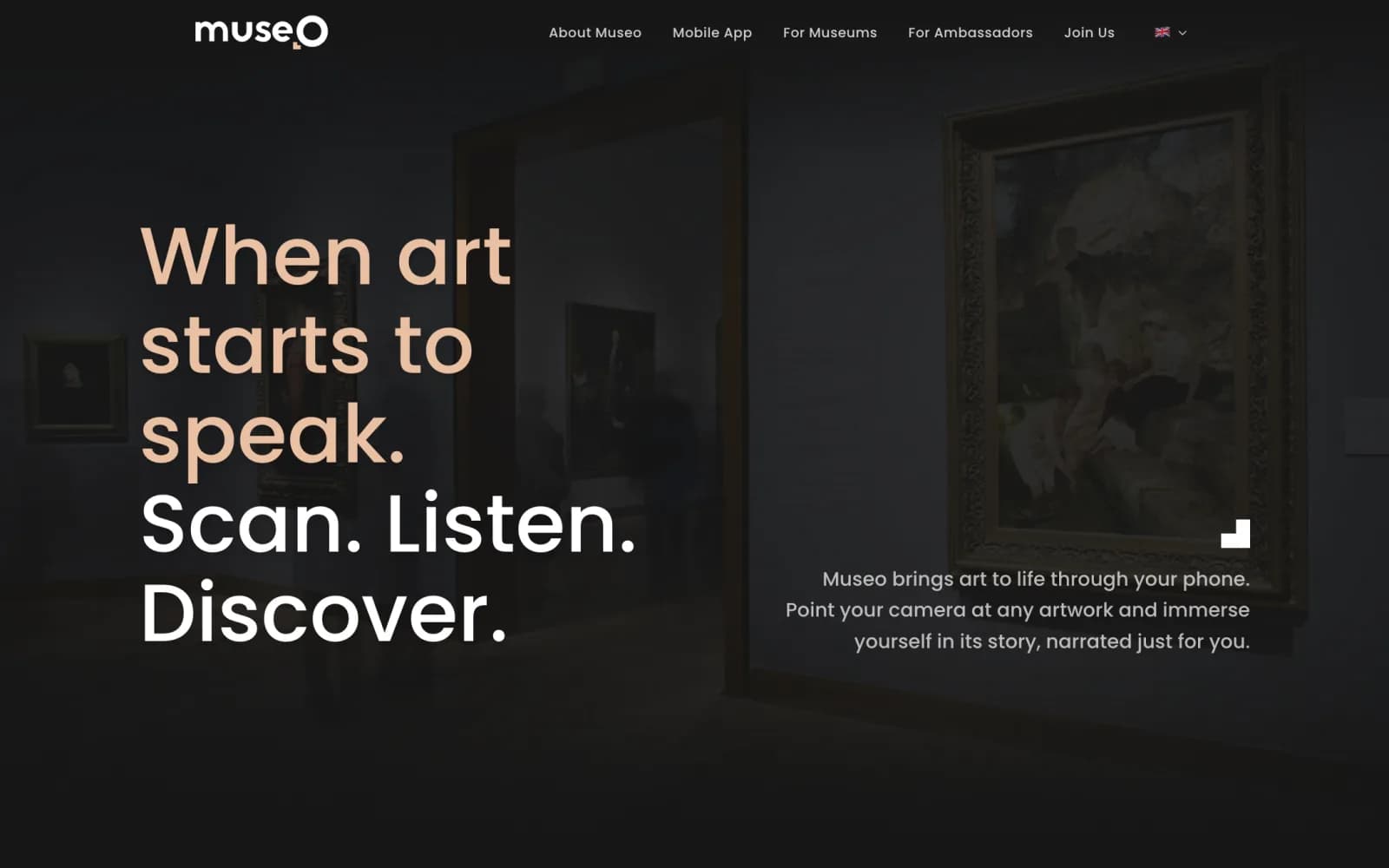
Creating a complete audio guide takes a phone and a login — nothing else.
Download the Ambassador app
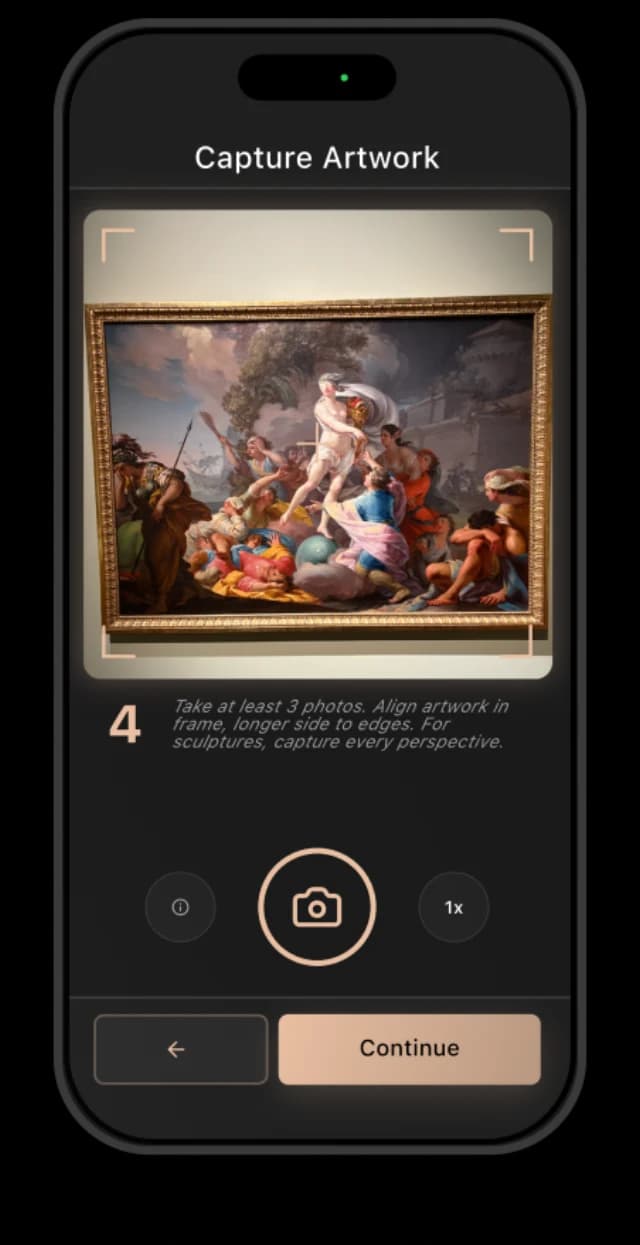
Photograph and add the artworks
Snap each piece and its label — the app handles the rest.
Request Museo to run the workflow
Ask us to run the workflow for your museum — we generate and verify the whole guide.
Your audio guide is ready
Live for visitors, in several languages.
The admin panel: run the museum yourself
A control center that hands the entire content operation back to the museum — no IT team required.
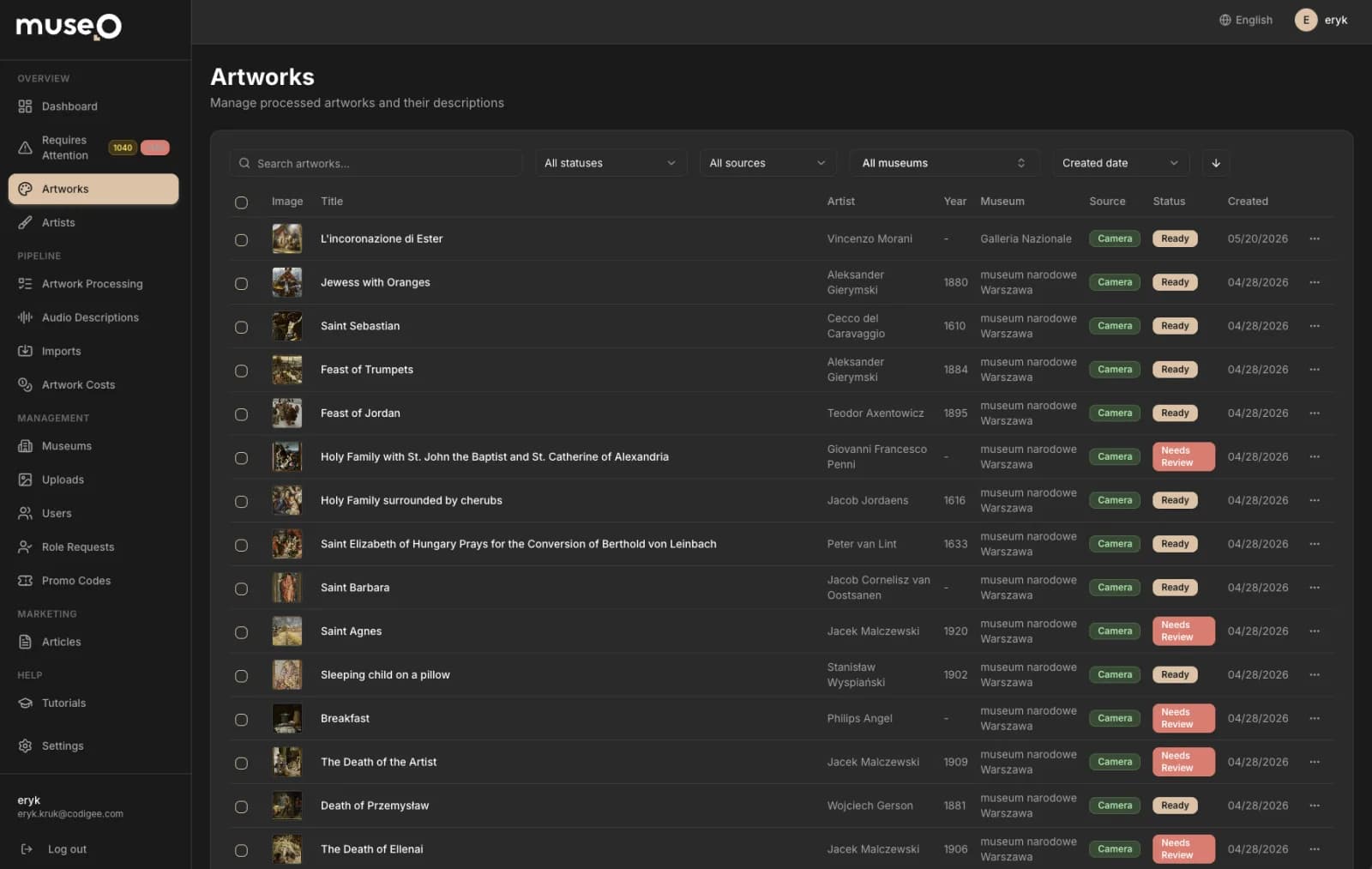
One-click content generation
Curator-owned edit & publish
Versioning catches stale content
Analytics museums never had
Completeness & translation matrix
More information — how it works+
Digitizing a collection has always meant months of curator writing and voice-actor sessions, repeated language by language — work most museums can't staff, never mind the IT team needed to run the software around it. The admin panel collapses that into a self-service workflow a single curator can drive from a browser. Adding a work, generating its description and narration, translating it, and publishing it to every visitor's phone are all point-and-click operations. The museum holds the keys: we built it specifically so they operate it without us, and the interface itself ships in 20 languages because the people running the institution aren't always English speakers either.
Each artwork begins with a photo and one click that fires the full AI content pipeline — an LLM drafts the description, a web-scraper enriches the metadata, auto-translation fans it out across languages, and the triple-engine TTS system returns studio-grade narration, every clip auto-verified by a Whisper speech-to-text round-trip before it can ship. Curators stay firmly in control: they edit copy, retune individual translations, and approve audio inside the panel, then publish when it's right. A versioning system tracks which descriptions and recordings have gone stale after a prompt change and flags them for regeneration — version control for museum content, so a growing collection never silently drifts out of date.
For the first time, the museum can see how people actually move through the exhibition. The panel surfaces scan counts, most-viewed works, and visit heatmaps that reveal which rooms pull crowds and which get skipped — the behavioral data hardware audio guides never captured. A collection-completeness view shows exactly which works still lack a description or audio, while a translation matrix maps coverage language by language so gaps are obvious at a glance rather than discovered by a confused visitor. Underneath, the backend's multi-tenant isolation keeps each museum's content and analytics strictly its own, so the same self-service panel scales cleanly from a single gallery to a national institution.
Under the hood
Three core algorithms, one platform
The recognition model, the verified TTS stack, and the backend brain — switch between the three engines that make Museo work.
museo.recognize(photo)Recognition that works on any artwork
A recognition model we trained identifies any artwork — even a quick, off-angle photo — in the right museum, in ~100ms. No QR codes.
museo.recognize(photo)4 stepsVisitor photo
1 tap · any angle
Vision model
→ recognizes the work
Scoped lookup
this museum only
Matched artwork
~100 ms
// recognition that works at an angle, in any light — no QR codes
- A model trained on the collection
- Recognized in ~100ms
- Museum-scoped, not cross-contaminated
- Works where QR codes can't
- Instant, always-ready
More information — how it works+
We solved it the way human recognition actually works: by understanding what is in the image, not by reading a code off the wall. Every artwork in a museum's collection is learned by a vision model we trained and tuned on that museum's own pieces. When a visitor takes a photo, the same model recognizes the work on the fly — it answers "which artwork is this?" from the image itself, so a bad angle, a glare, or a partly cut-off frame does not break it the way a barcode or QR code would.
Doing it at speed is exactly what the model is tuned for: it returns the right artwork in roughly 100ms, scoped strictly to that museum so two galleries with similar pieces never bleed into each other. Because it recognizes the artwork itself rather than a rigid code, it holds up in the real world: a canvas shot from the side, a sculpture under warm spotlights, a frame partly cut off, a collection of thousands. The same robustness that makes it forgiving for visitors is what makes it deployable — no curator has to print, stick, and maintain a tag on every wall.
The last challenge is making real-time computer vision feel instant in a live gallery. The recognition model runs on GPU and is kept ready ahead of demand, so it responds the moment a visitor lifts their phone — no cold-start lag, no spinner in front of the painting. The result is studio-quality AI recognition that feels immediate to the visitor and runs efficiently enough for any institution, from a single gallery to a national museum, to rely on every day.
Seen in the wild
Real artworks, recognized in ~100ms
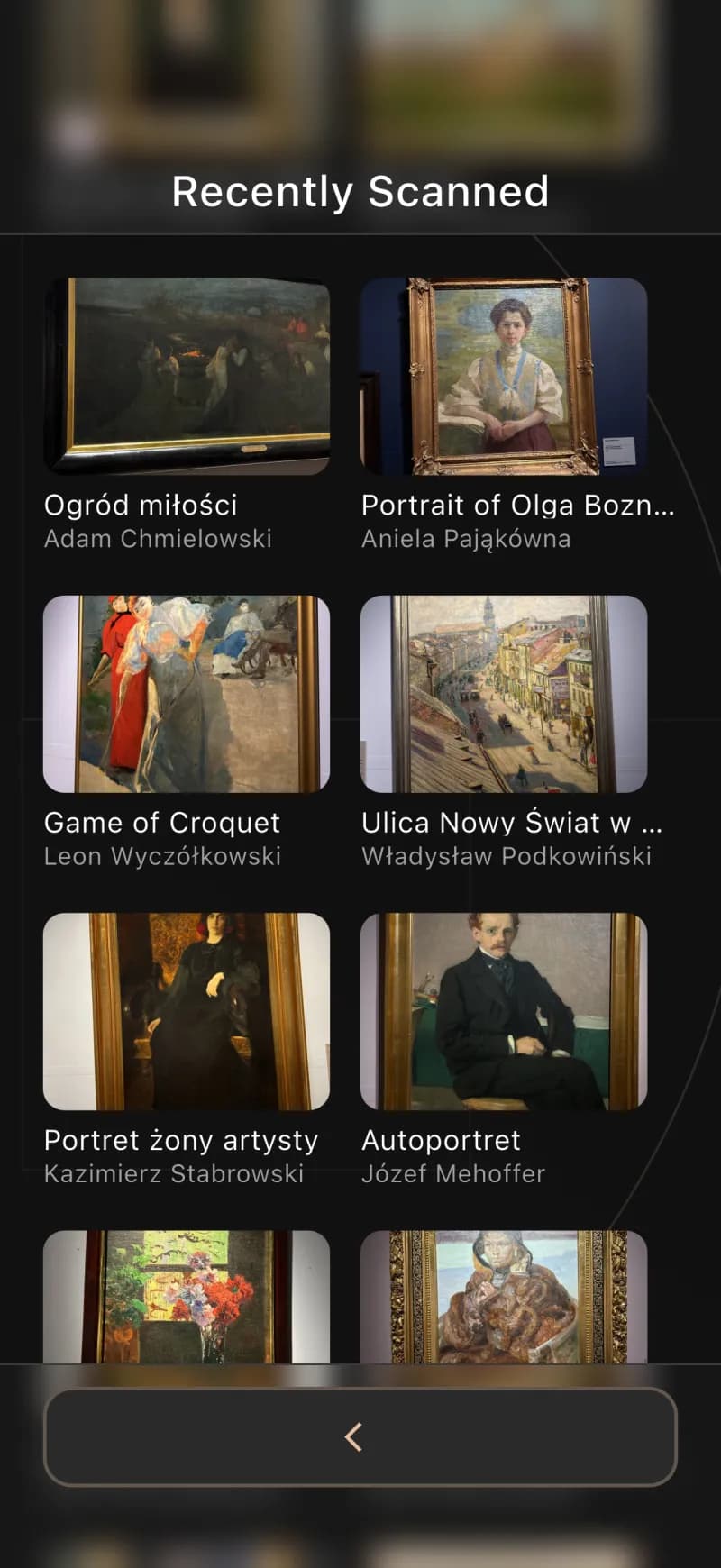
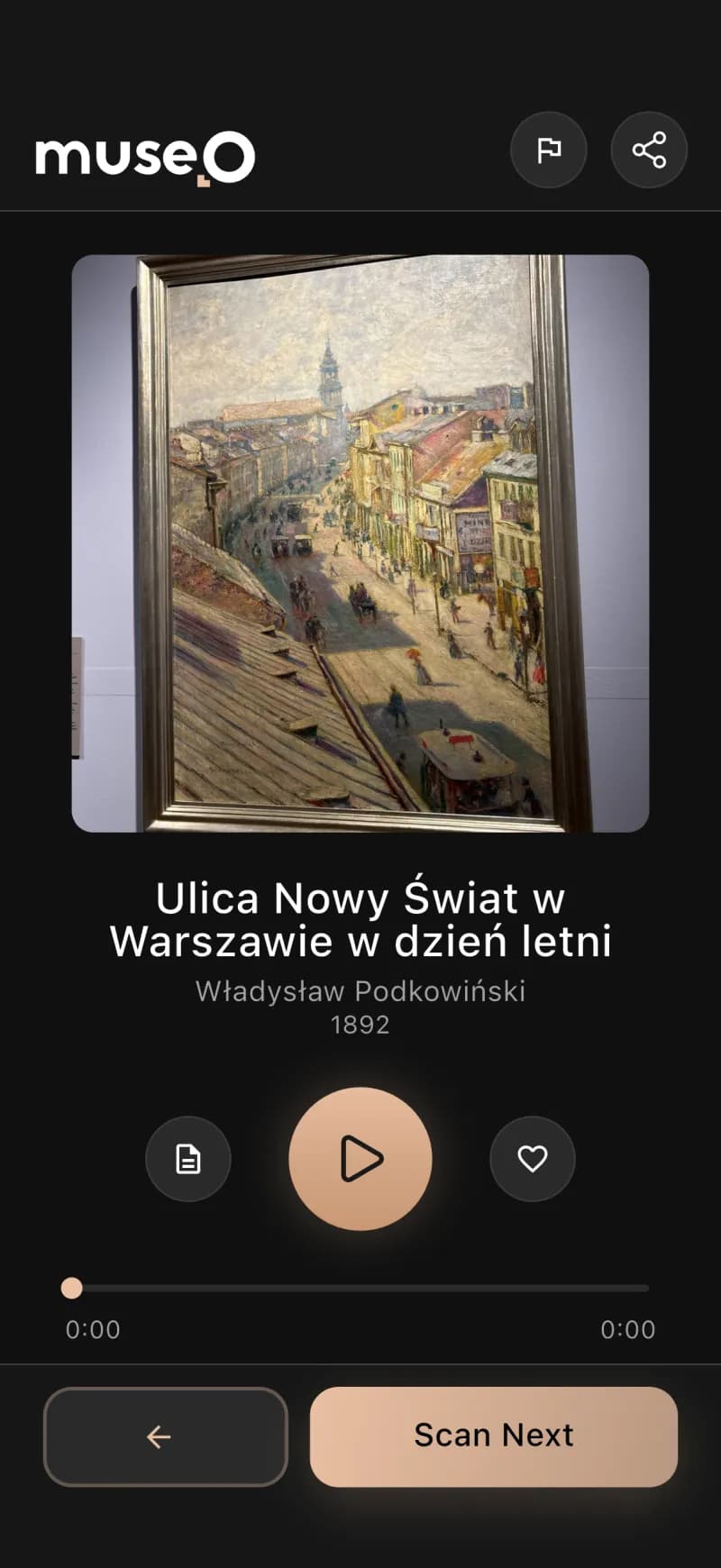
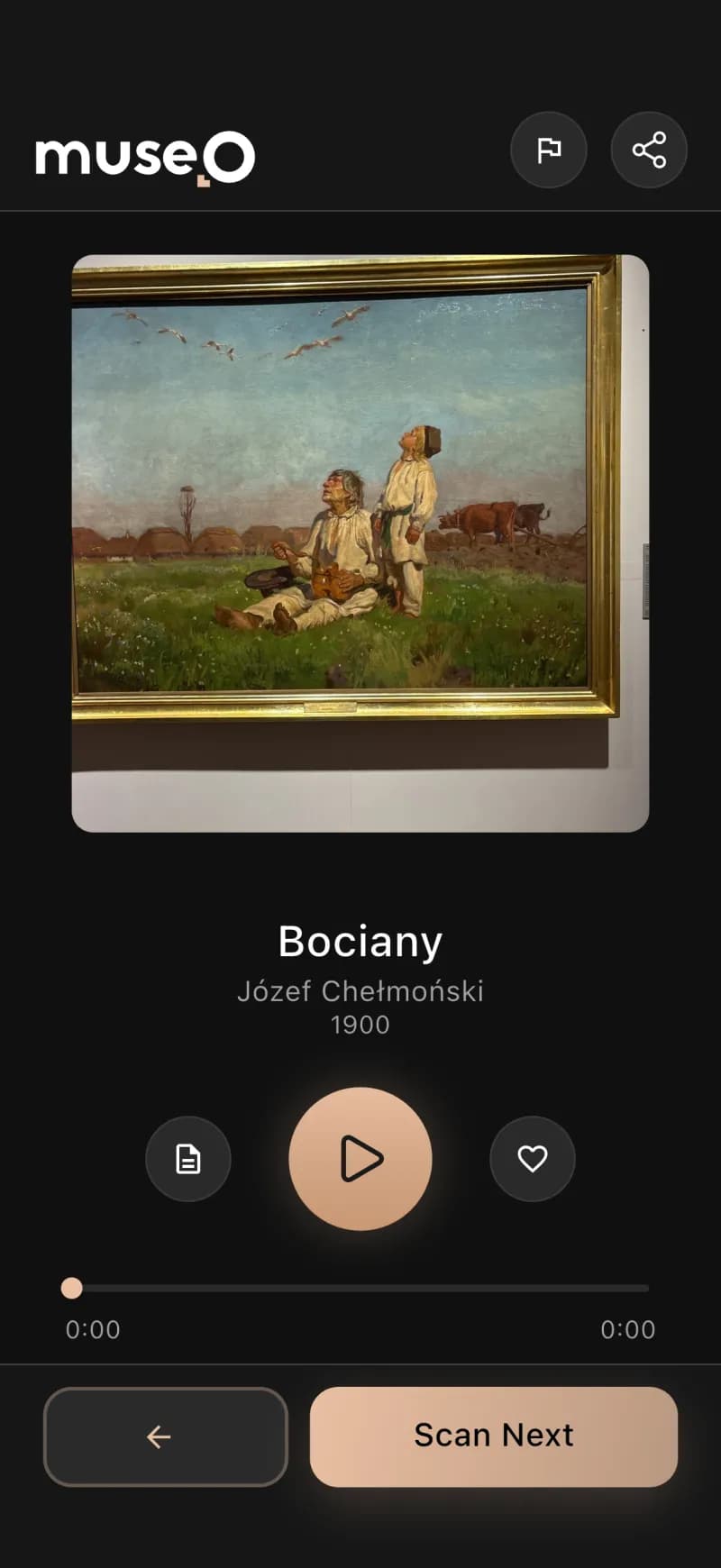
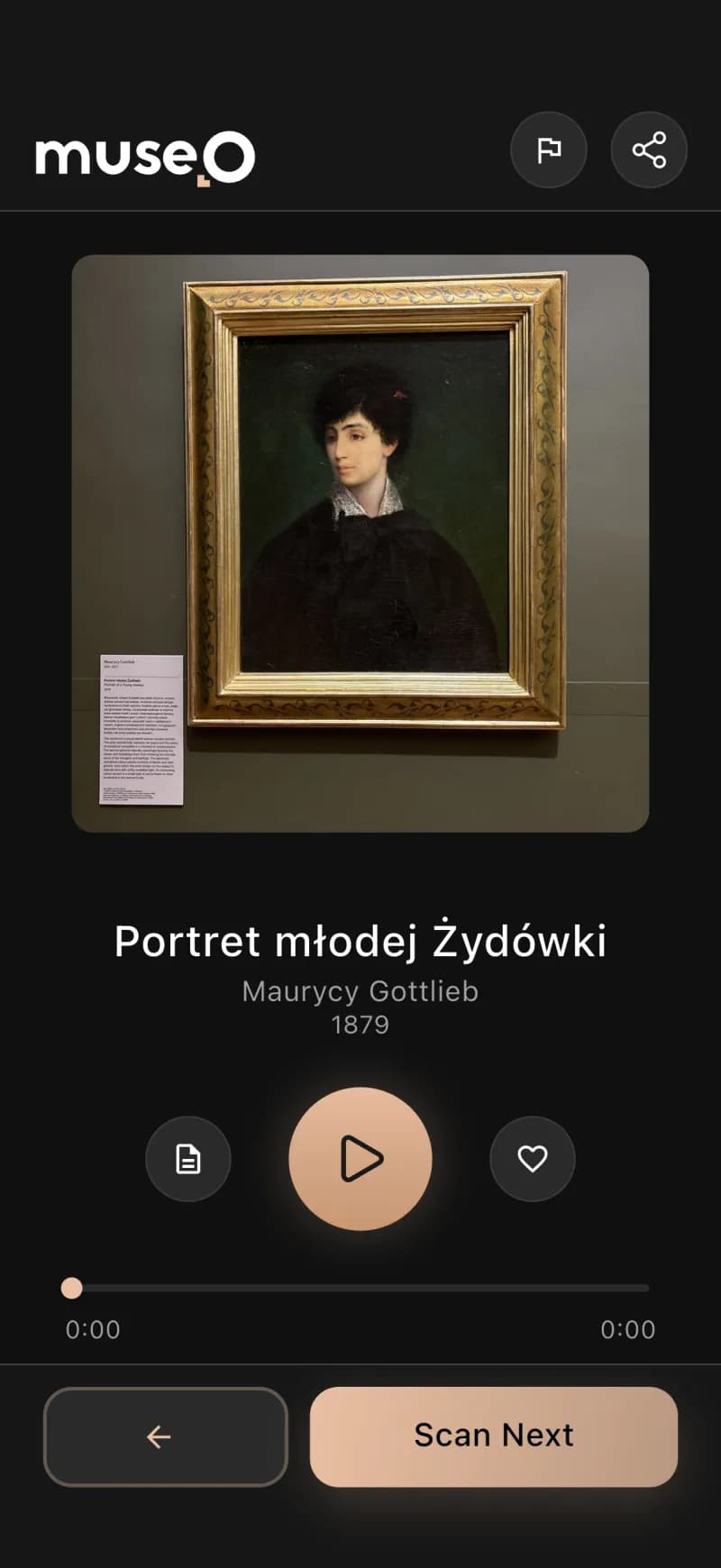
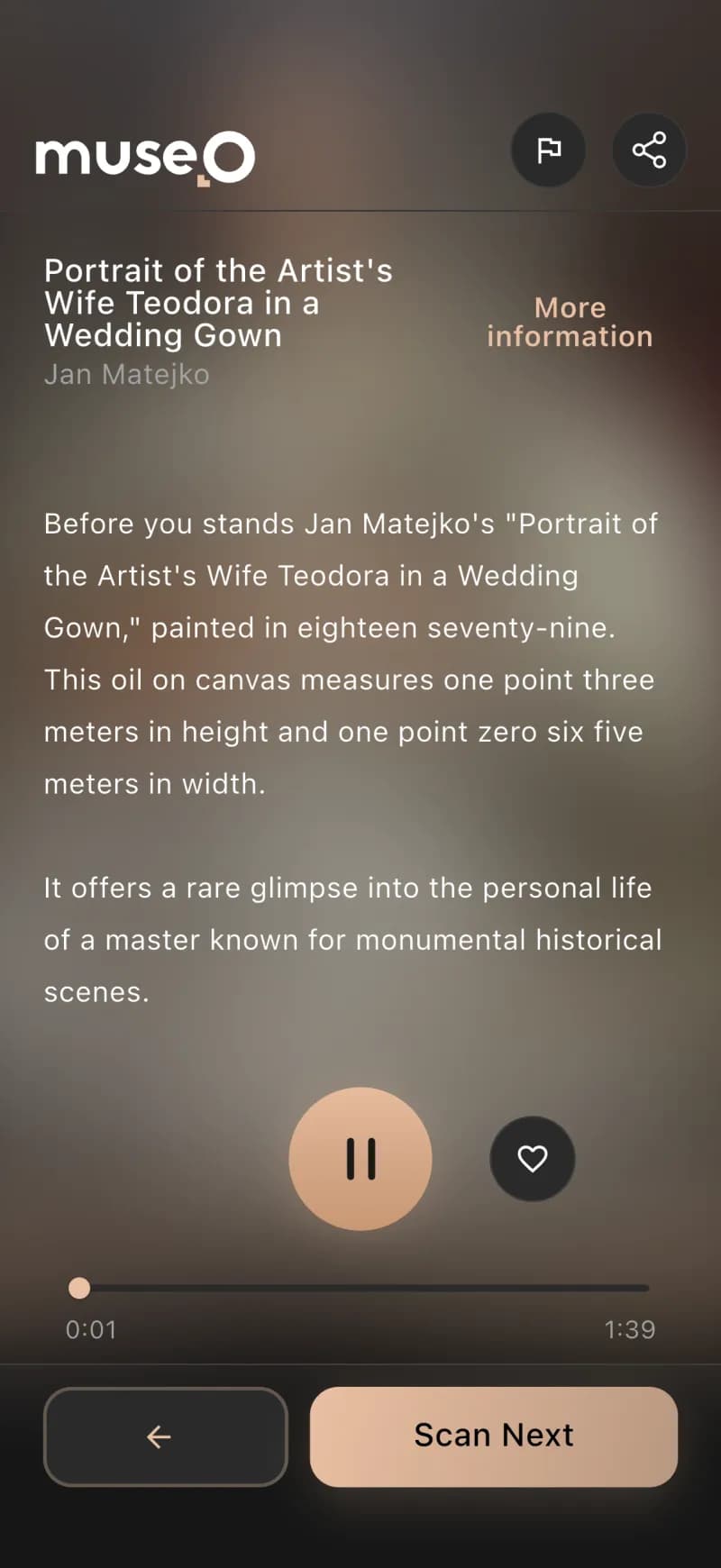
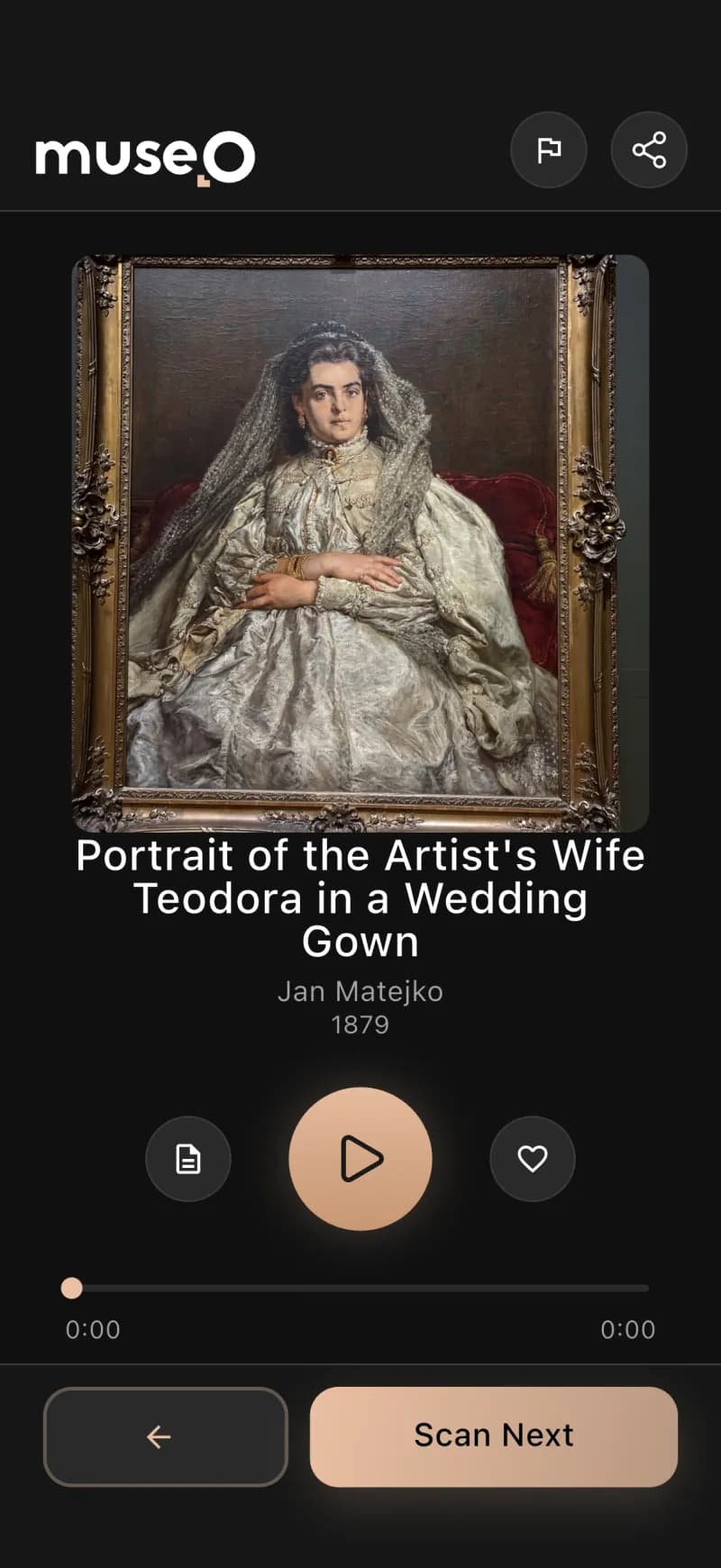
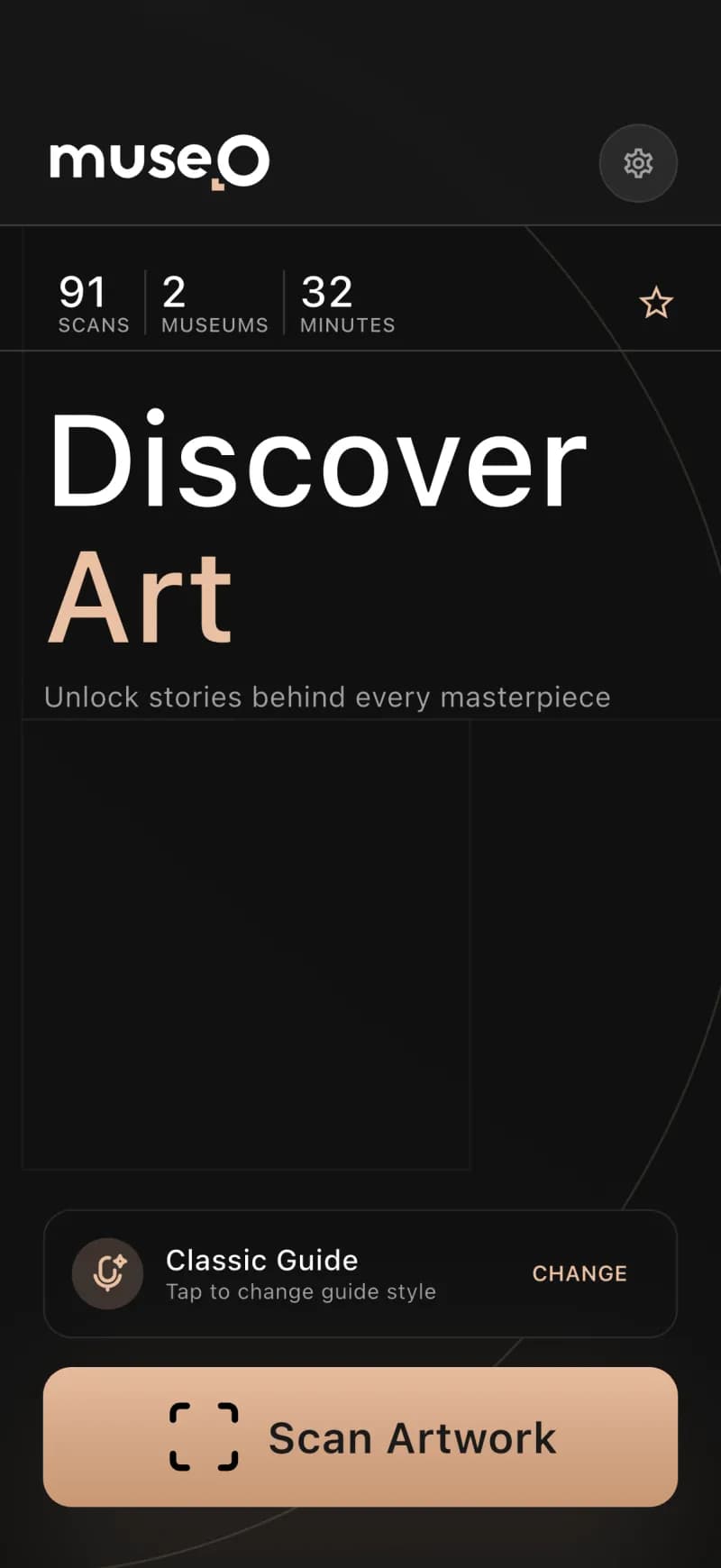
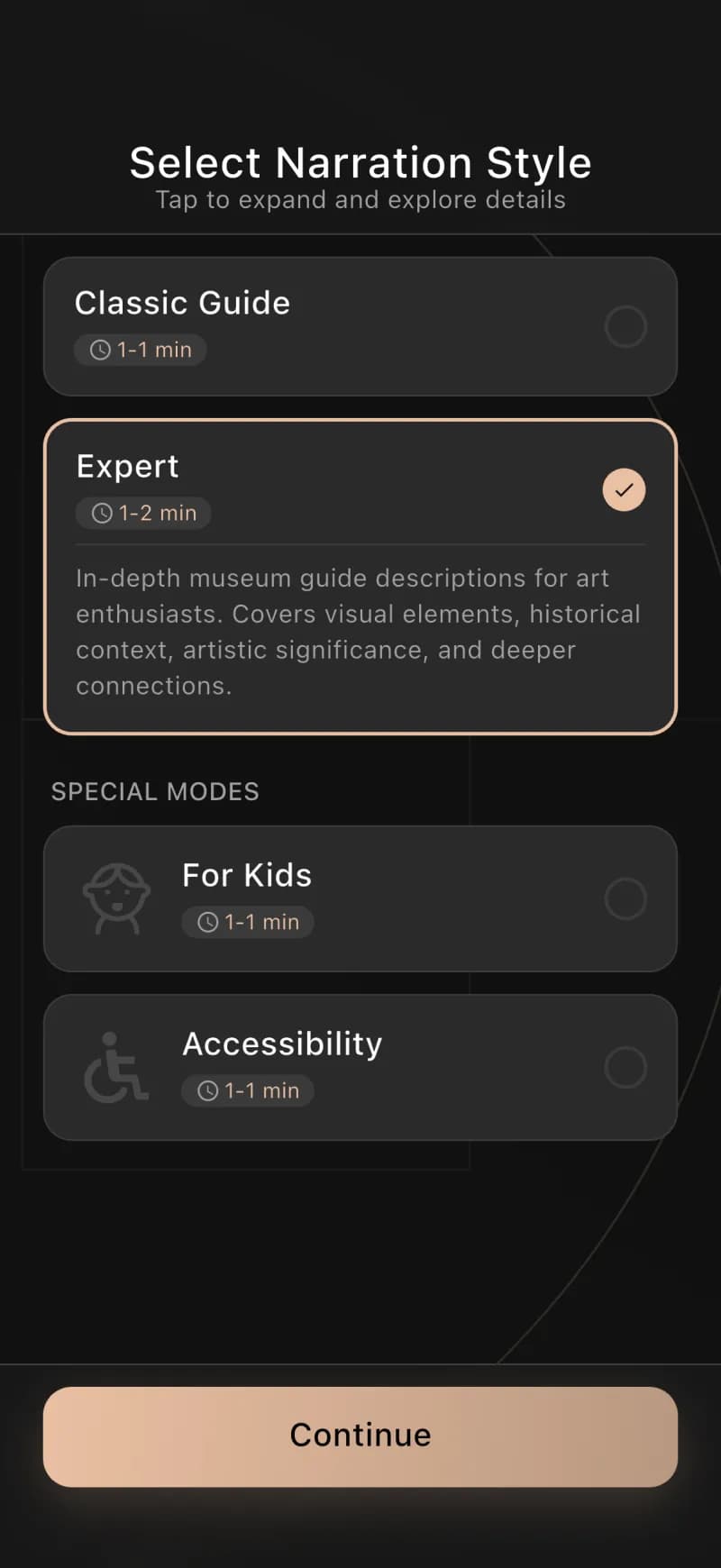
Results
What we delivered
~3 mo
to a working product
6
integrated components
2×2
iOS/Android × User/Ambassador
WCAG 2.1 AA
accessibility
Museum audio guide app — FAQ
What is a museum audio guide app?+
A museum audio guide app turns a visitor's own smartphone into a personal guide, replacing rented hardware devices. Museo is an AI audio guide system for museums: the visitor scans any artwork and a multilingual narration plays automatically, so a museum can offer a premium guided experience without buying or maintaining any hardware.
How does an AI audio guide for museums work?+
With Museo, a visitor points their phone camera at an artwork. AI computer vision recognizes the piece in about 100 milliseconds and plays an AI-generated narration in the visitor's language — no QR codes, no number keypads and no rental device.
Does the museum audio guide app support multiple languages?+
Yes. Museo is a multilingual museum guide app with AI narration in 20+ languages and an app interface in 28, so every visitor can follow the whole collection in their own language.
How long does it take to build an audio guide system for a museum?+
Codigee built the full Museo platform — visitor app, ambassador app, admin panel, backend and AI services — from concept to a working product in about 3 months, by letting AI generate the descriptions, translations and narration instead of months of manual curator and voice-actor work.
How much does it cost to run an AI museum audio guide?+
Museo replaces expensive rental audio-guide hardware with software that runs on each visitor's own phone — no devices to buy, charge, service, or restock. The AI is engineered to run efficiently, so even a small museum can comfortably operate a full multilingual AI audio guide system.
Have an AI product in mind? Let's build it.
Let's make something together.
At Codigee, we value transparency, efficiency, and simplicity. No overengineering. No wasted time.
Just straight-up execution.
We are obsessed.
Every billion-dollar company started with one decision, one step, one iteration. The key? Taking action and executing fast.